
Introduction
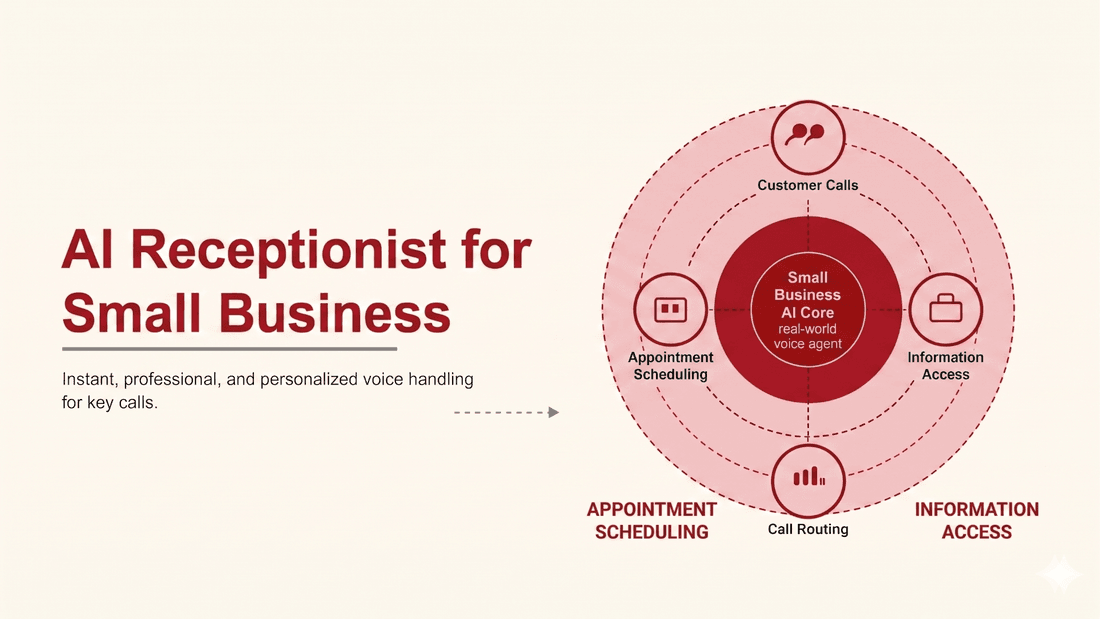
Every missed call is a customer who called a competitor next. For a small business that cannot staff a front desk around the clock, that adds up fast. An AI receptionist for small business closes the gap: it answers instantly, day or night, handles the routine work, and hands off only what truly needs a person. Here is how it works, what it costs, and how to tell if it fits your shop.
What an AI receptionist actually does
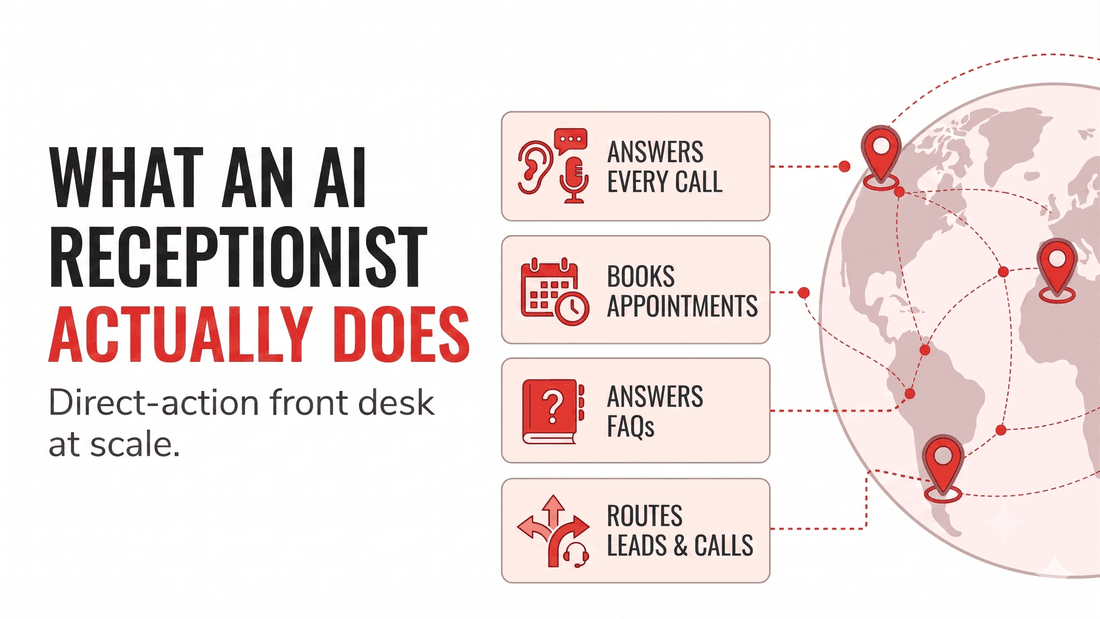
An AI receptionist is an automated front desk that picks up the phone and takes action. It is not a phone tree. It listens, understands intent, and responds in plain language. The core jobs are consistent across industries:
Answers every call
Greets the caller instantly and never sends them to voicemail, even at peak or after close.
Books appointments
Checks the calendar, confirms a slot, and reschedules, which cuts no-shows.
Answers FAQs
Hours, location, pricing, and policy questions answered from your own knowledge base.
Captures and routes
Logs caller details, qualifies the lead, and warm-transfers anything that needs a human.
The difference from old auto-attendants is judgment. The agent decides what the caller needs, then does it, rather than reading a menu and hoping someone presses the right number.
That judgment shows up in small ways callers notice. A real receptionist does not make a frustrated customer repeat their phone number three times, and a good AI agent does not either. It remembers what was said earlier in the call, handles a caller who interrupts halfway through a sentence, and switches language when it hears one. It can pull an answer from your actual hours and policies instead of guessing, and when a question lands outside its scope, it says so plainly and routes the caller to a person rather than looping. The goal is not to trick anyone into thinking they reached a human. It is to give every caller a fast, competent answer at any hour, which is exactly what most people wanted from your front desk in the first place.
Why missed calls cost small businesses real money
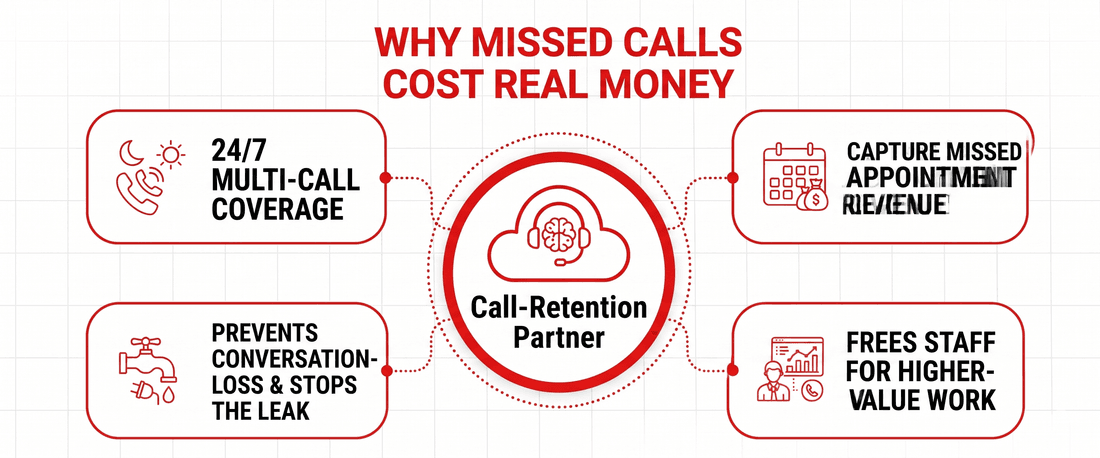
The case for an AI receptionist is mostly arithmetic. A human answers one call at a time, takes lunch, and goes home. Calls that arrive during those gaps go unanswered, and a large share of callers will not leave a message. They simply dial the next listing.
An AI receptionist answers several calls at once, never sleeps, and carries no salary, benefits, or training overhead. The first benefit is not personality, it is coverage: the calls you were already losing now get picked up.
For appointment-driven businesses, that coverage maps straight to revenue. A booked slot from a 9 pm caller is income you would not have captured. Multiply by a month of after-hours and overflow calls and the line item becomes hard to ignore.
Consider the shape of a typical week. Calls cluster at lunch, when your one front-desk person is eating, and after five, when the office is closed. Those are precisely the windows a single human cannot cover, and they are when a large share of callers reach voicemail and hang up. Industry estimates of missed inbound calls for busy small offices often sit between twenty and forty percent. Even at the low end, on a hundred calls a week that is twenty conversations lost, and a portion of those were ready to book, buy, or return. An AI receptionist does not get you a better salesperson; it simply stops the leak. For most owners, recovering even half of those missed calls pays for the service many times over, before you count the staff hours freed up for higher-value work.
How it works behind the scenes
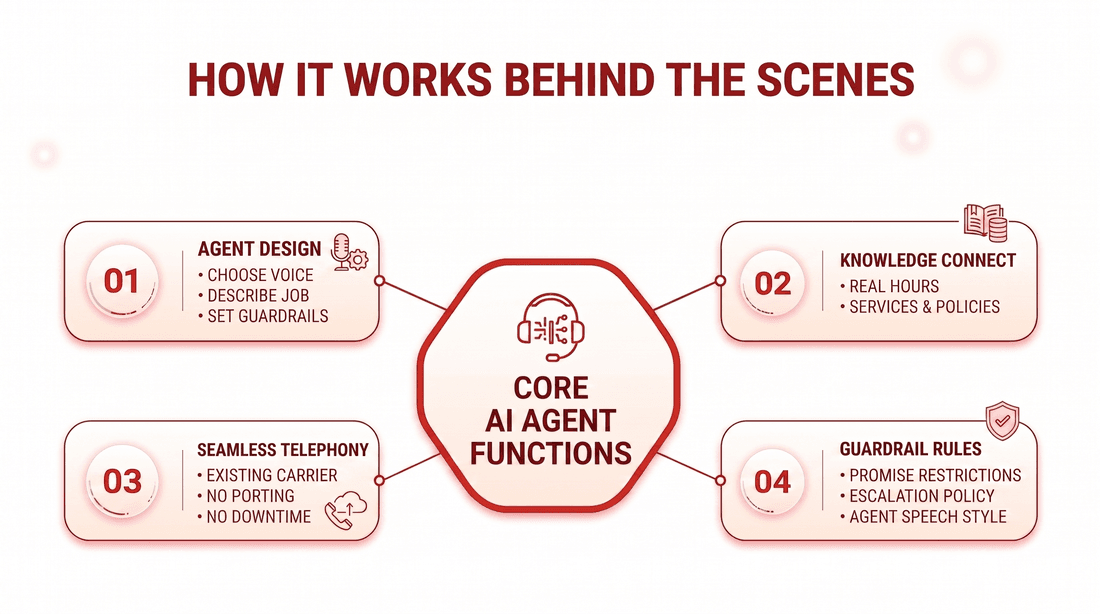
You do not need to host models or wire up infrastructure. Setup follows three plain steps, and the first agent can be live the same day.
First you design the agent: choose a voice, describe its job in plain English, and set guardrails. Then you connect your knowledge so it answers from your real hours, services, and policies rather than a generic script. Finally you route your phone number through the platform and go live. Because 9278.ai connects to the carrier you already use, your numbers and billing can stay exactly where they are with no porting and no downtime, or you can provision a dedicated number from the platform if you would rather.
Two design choices keep the agent from feeling generic. The first is grounding it in your own source of truth, so it cites your real policies and prices instead of inventing plausible-sounding answers. The second is the guardrails: clear rules about what it must never promise, when it should escalate, and how it should speak. A few hours spent writing those rules well is the difference between an agent that protects your reputation and one that improvises. Start with your most common ten or fifteen call reasons, script those tightly, and let the agent route everything else to a person while you expand its coverage over the first couple of weeks.
What it costs and how to choose
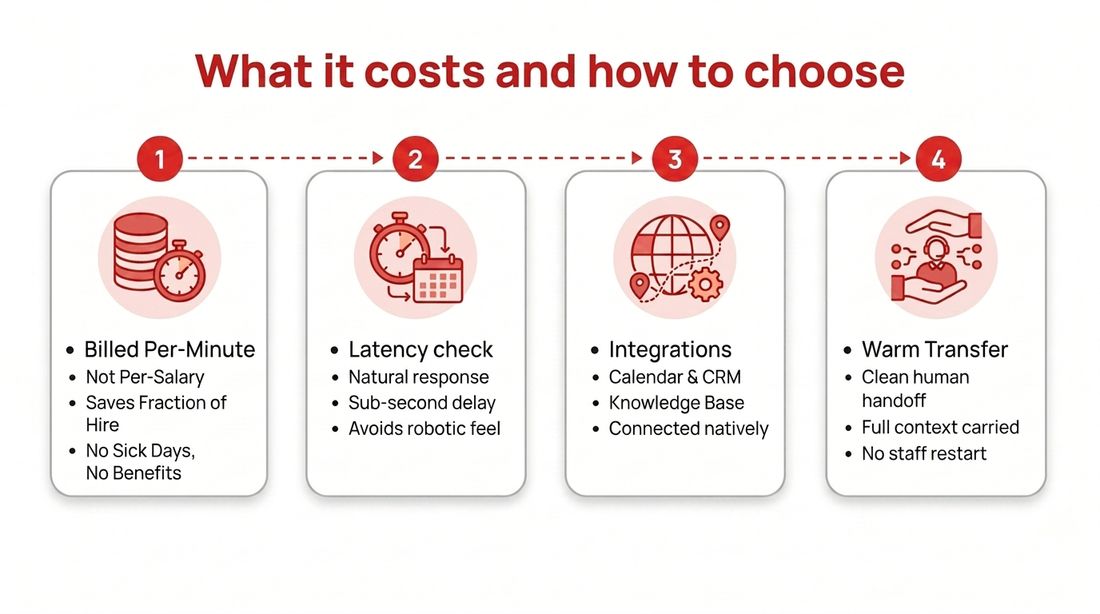
An AI receptionist is usually billed per minute, not per salary, which flips the economics for a small business. Self-serve voice rates commonly sit around $0.10 to $0.15 per minute. A shop handling a few thousand answered minutes a month typically spends a fraction of a part-time hire, with no benefits, sick days, or training time.
| Factor | What to check |
|---|---|
| Latency | Sub-second response so the call feels natural, not robotic |
| Interruptions | Can the caller talk over the agent and be understood |
| Integrations | Calendar, CRM, and your knowledge base, connected natively |
| Handoff | Clean warm-transfer to a human with full context |
| Billing | Clear per-minute rate, no contract, numbers billed by your carrier |
Score vendors on those five and the choice gets simple. It is also fair to trial two and compare how each handles your trickiest real calls before you commit.
When you run that trial, test the edges, not the happy path. Call in with background noise, talk over the agent mid-sentence, ask a question that is not in the script, and request a transfer to a human. How the agent handles those moments tells you far more than a clean demo ever will. Check that it books a real slot on your live calendar, that the details land in your CRM correctly, and that the handoff carries context so your staff are not starting from scratch. A receptionist that answers fast but fumbles the booking or loses the notes creates work instead of removing it. The ones worth keeping feel less like a robot reading a flowchart and more like a calm, well-trained team member who never clocks out.
Conclusion
An AI receptionist for small business earns its place by answering the calls you were already losing, then booking, qualifying, and routing them without adding headcount. Start with coverage as the goal, connect it to your real knowledge and calendar, and keep a clean handoff to your team for the calls that need a human touch.
Frequently asked questions
What is an AI receptionist for small business?
It is an automated phone agent that answers calls, greets callers, books appointments, answers common questions, and captures details around the clock. It understands natural speech and takes action instead of routing callers through menu trees.
How much does an AI receptionist cost?
Most AI receptionists bill per minute rather than per salary. Self-serve voice rates commonly run $0.10 to $0.15 per minute, so a small business handling a few thousand minutes a month often spends far less than a part-time human, with no benefits or training cost.
Can an AI receptionist book appointments?
Yes. A capable AI receptionist connects to your calendar, checks availability, books, reschedules, and sends confirmations during the call. Native Google, Outlook, and Calendly integrations let it confirm a slot before the caller hangs up, which reduces no-shows.
Will callers know they are talking to an AI?
Modern audio-native agents pause, handle interruptions, and respond in real time, so many callers do not notice at first. For outbound and many regulated calls you should disclose that the call uses AI, which keeps you compliant and builds trust.
Does an AI receptionist replace my staff?
It replaces the routine load, not your team. The AI handles repeat questions, after-hours calls, and overflow, then warm-transfers anything that needs a human. Staff spend their time on the conversations that actually need judgment and care.
Want to see it in action? Build your first agent or talk to the team.